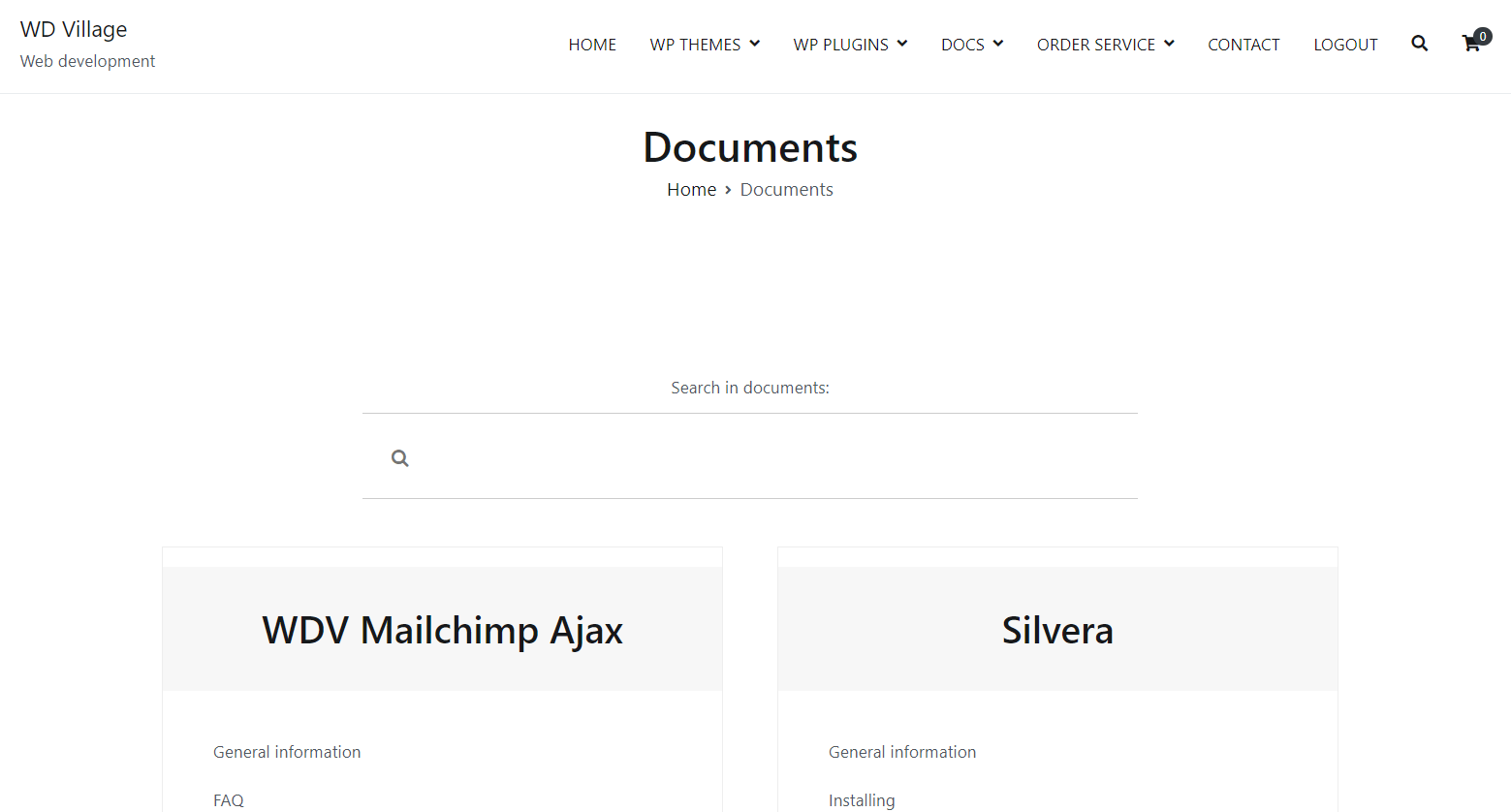
If you do not create categories for your documents – you will have one archive page for your documents. The page on which the list of documents is displayed will be creating automatically. Link to this archive will look like: http://yoursite.com/wdvonepagedocs/. If you see a 404 page when you click on this link, go to the admin part “Settings”-> “Permalinks” and press button “Save Changes”. This page will look like this:
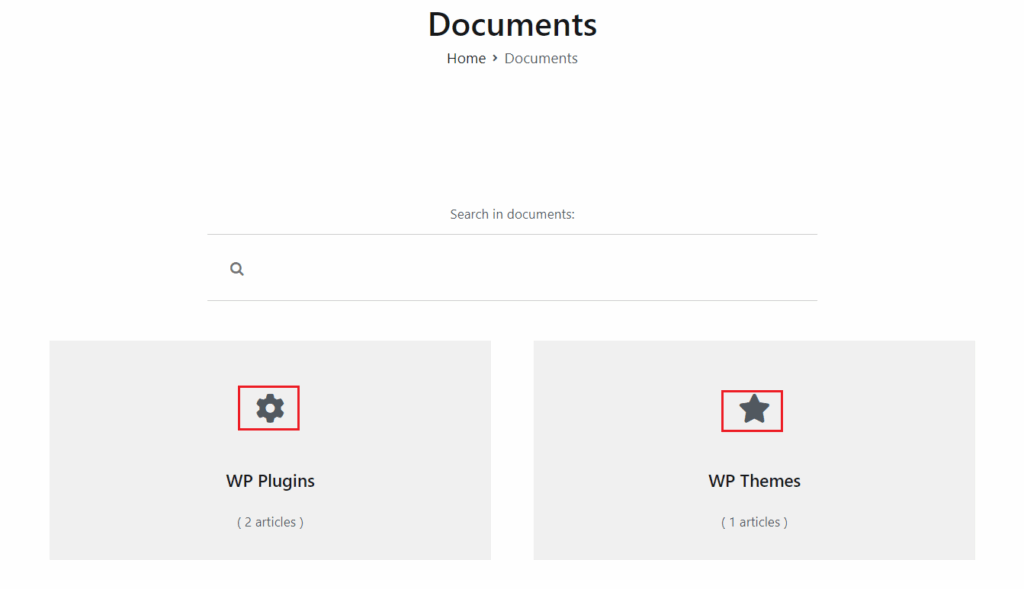
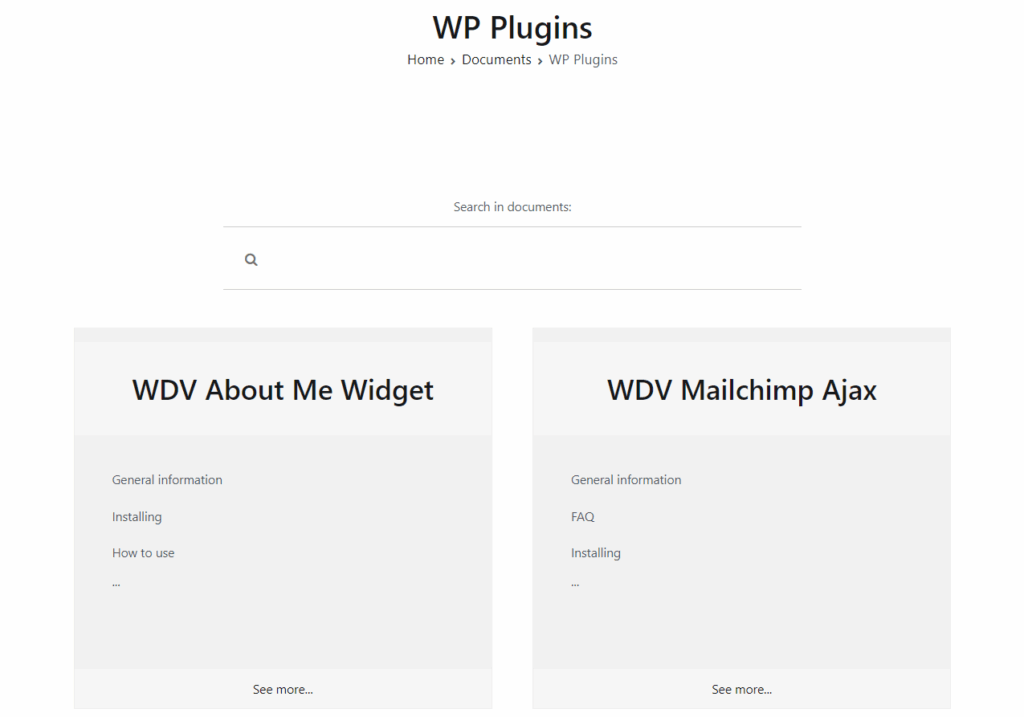
If you create categories for your documents – you will have two archive pages for your documents. The page on which the list of documents is displayed will be creating automatically. Link to this archive will look like: http://yoursite.com/wdvonepagedocs/. If you see a 404 page when you click on this link, go to the admin part “Settings”-> “Permalinks” and press button “Save Changes”. Here you will see list of your documentation categories and if you press name of category – will be open new page with list of documents that is in this category. Link to category pages will be http://yoursite.com/wdvonepagedocs_category/category_name/. These pages will look like this: