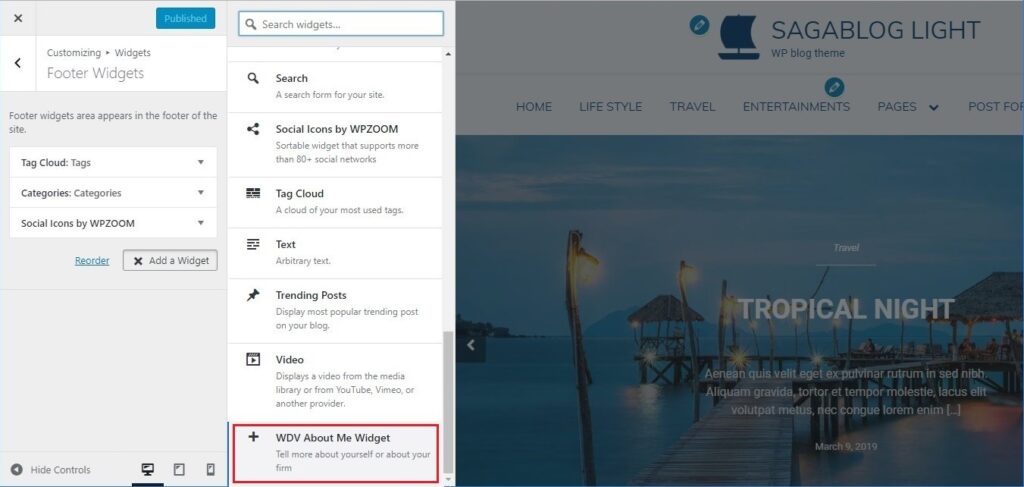
You can upload the ‘WDV About Me Widget’ plugin files to the ‘/wp-content/plugins/wdv-about-me-widget’ directory, or install the plugin through the WordPress plugins screen directly.
In your WordPress administration, go to the Plugins page.
Activate the ‘WDV About Me Widget’ plugin through the ‘Plugins’ screen in WordPress.
Now you can add widget ‘WDV About Me Widget’to your WP theme widget area.
You can go to WP Customizer find section “Widgets” there, choose sidebar and you can place widget “WDV About Me Widget” here.