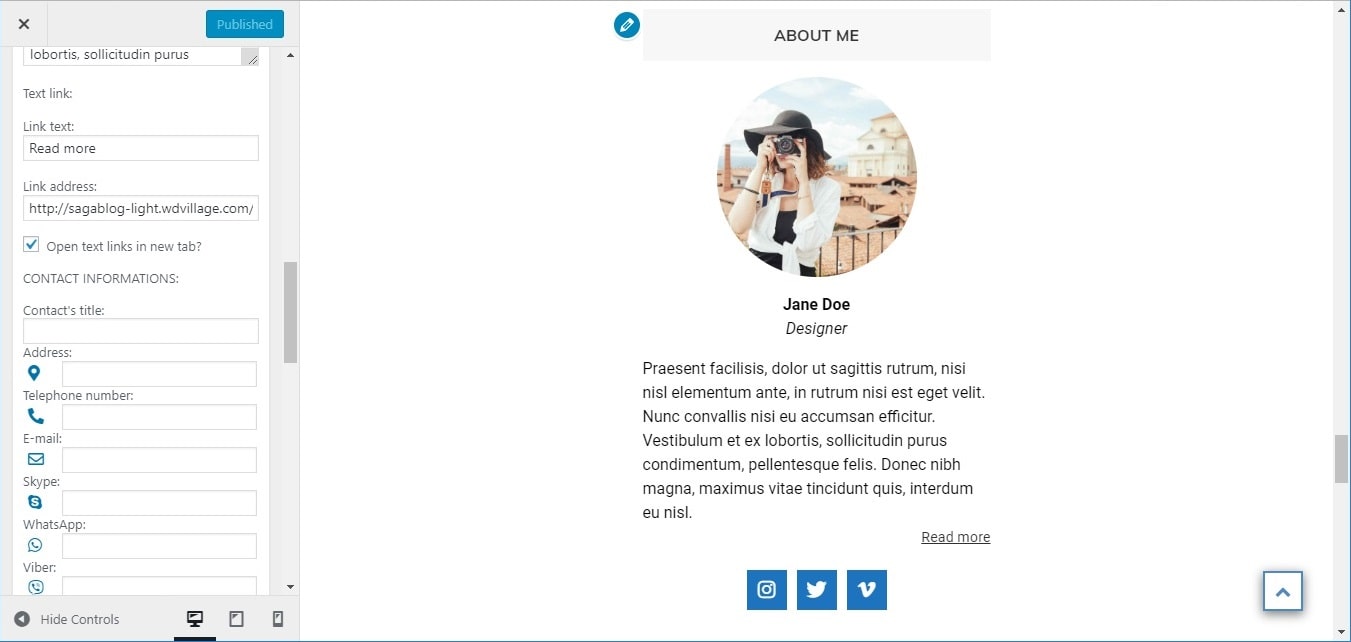
You can add you data or your firm data. You can add image, description, link, contact information, social links.
You can do next:
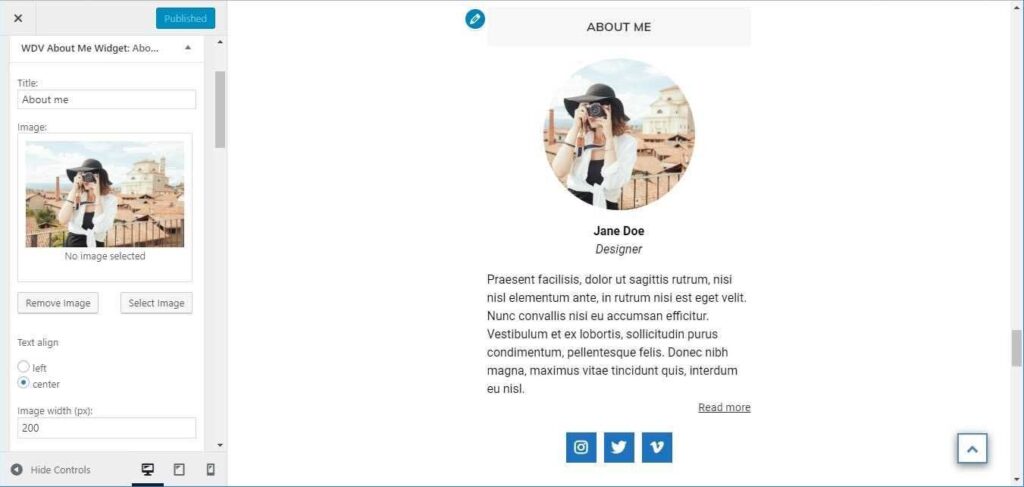
– You can add image (Image can be cirkle, rectangle, rounded rectangle. You can change size of image.)
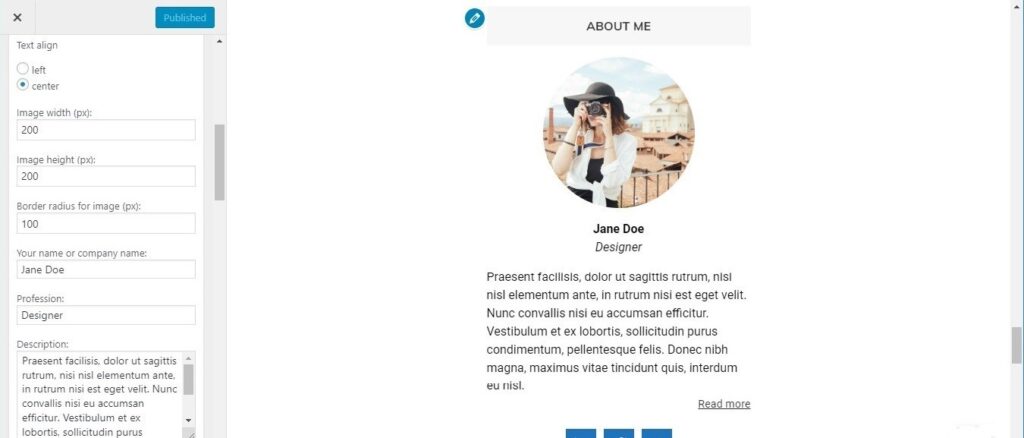
– You can add your name and your profession or your firm name.
– You can add description and link to page with more informations about you or your firm.
– You can add contact information (You can add address, telephone number, e-mail, Skype nickname, WhatsApp and Viber numbers. You can change contact icons color).
– You can add social icons (You can choose icon style: icon can be cirkle, rectangle, rounded rectangle. You can change size of icon, icon color, icon background color).
Now are supported the following social networks:
– Behance
– Blogger
– Codepen
– Deviantart
– Dribbble
– Facebook
– Flickr
– Foursquare
– Github
– Gitlab
– Instagram
– Linkedin
– Medium
– Meetup
– Odnoklassniki
– Periscope
– Pinterest
– Pocket
– Qq
– Reddit
– Stumbleupon
– Slack
– Snapchat
– Soundcloud
– Spotify
– Stackoverflow
– Telegram
– Tripadvisor
– Tumblr
– Twitch
– Twitter
– Viadeo
– Vimeo
– Vine
– Vk
– Weibo
– Wechat
– WordPress
– Xing
– Yelp
– Youtube
– Yoast
You can add an image and choose its size and border radius:
You can add text (name, firm name, description) and choose text align:
You can add link and you can add contact information:
You can choose font size for social icons, border radius, colors: