Before importing demo content you must install plugin ‘One Click Demo Import‘ on your site. And after you must go to ‘Appearance’->’Import Demo Data’ and press button ’Import Demo Data’. You must wait then data will be loaded.
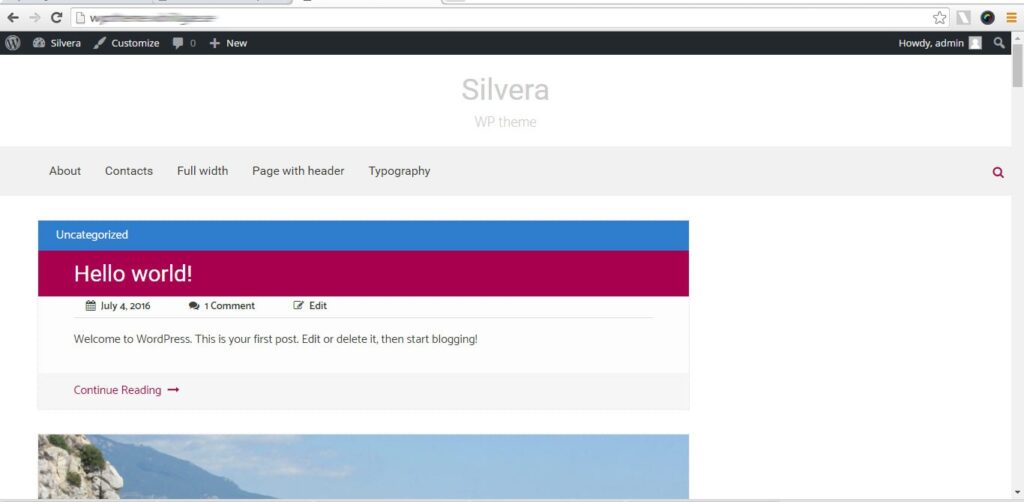
Now you can see demo content on your site: